You can have a professional website, useful services, and good content, yet still struggle to appear in Google.
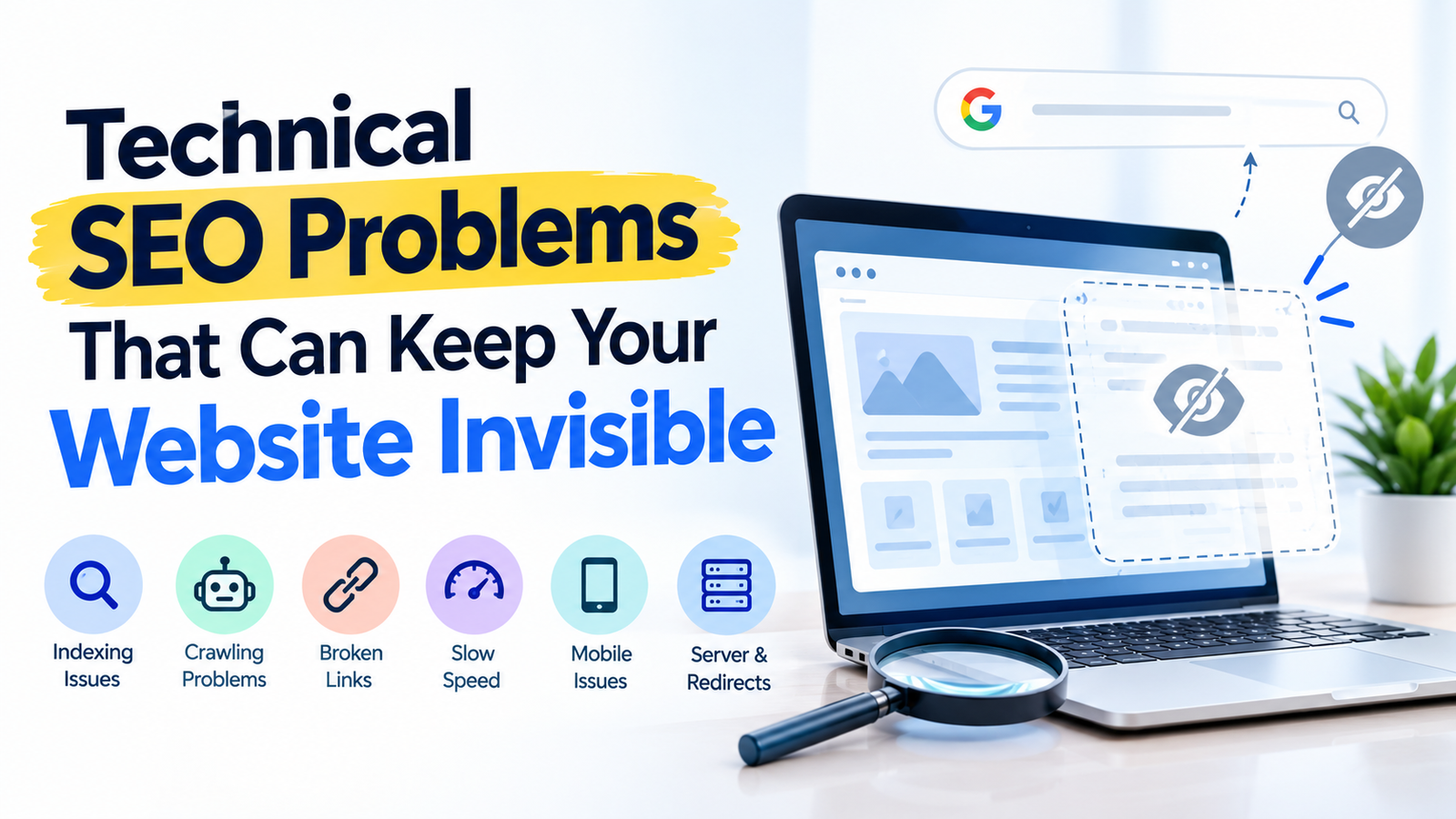
Sometimes, the problem is not your content or your keywords. Instead, technical SEO problems may prevent search engines from properly discovering, crawling, understanding, or indexing your pages.
That is frustrating because your website may look completely normal when you visit it.
Google, however, sees your website differently.
A page might be blocked from crawling. Another page may accidentally contain a noindex instruction. Broken links, incorrect redirects, slow loading times, mobile problems, and server errors can also affect how search engines access your website.
The good news is that many technical SEO problems can be identified and fixed.
This guide explains the most common technical SEO problems that can keep your website invisible and shows you what to check before assuming that your content needs to be rewritten.
What Are Technical SEO Problems?
Technical SEO problems are issues that affect how search engines access, crawl, understand, and index a website.
These problems can exist even when your website looks fine to visitors.
For example, a website owner may publish a new service page and expect Google to find it automatically. However, an incorrect robots.txt rule or noindex tag could prevent that page from appearing in search results.
Similarly, broken internal links can make important pages harder to discover.
Technical SEO is therefore not just about fixing errors. It is about making sure search engines can properly access the important parts of your website.
If you want to understand how technical SEO fits into a wider search strategy, you can also explore our [SEO services page].
20 Technical SEO Problems That Can Keep Your Website Invisible
1. Important Pages Are Not Being Indexed
One of the first things to check is whether Google has actually indexed your important pages.
A page can be published and accessible to you without appearing in Google Search.
For example, your homepage may be indexed while an important service page is missing.
That means potential customers may never discover that service through Google.
Use Google Search Console to check whether important URLs are indexed.
Pay particular attention to your homepage, service pages, product pages, category pages, and important landing pages.
If several valuable pages are not indexed, investigate the reason before making major content changes.
You can also use a professional SEO audit to identify indexing and technical problems across your website.
2. Robots.txt File Is Blocking Important Pages
The robots.txt file gives search engine crawlers instructions about which areas of your website they should or should not crawl.
A mistake in this file can create a serious technical SEO problem.
For instance, a developer may block a directory during website development and forget to remove the rule after launch.
As a result, important pages may become difficult for search engines to crawl.
Always review your robots.txt file after major website changes.
You can learn more about how Google handles robots.txt through the [Google Search Central robots.txt documentation].
3. Noindex Tag Is Preventing a Page From Appearing
A noindex instruction tells search engines that a page should not be included in search results.
This can be useful for pages that you do not want indexed.
The problem begins when a noindex tag is accidentally added to an important page.
For example, a developer might use noindex on a staging page and later move that page to the live website without changing the setting.
The page may still work perfectly when someone visits it directly.
However, Google may not show it in search results.
Check the indexing settings of important pages, especially after redesigns, migrations, or plugin changes.
4. Poor Internal Linking Makes Pages Hard to Discover
Internal links connect one page on your website to another.
They help visitors move around your website. They also help search engines discover relationships between your pages.
Imagine you publish an important service page but never link to it from other relevant pages.
That page may become difficult to discover.
A strong internal linking structure can connect blog posts, service pages, category pages, and other important content.
For example, a blog about technical SEO problems could naturally link to your [SEO services page] when discussing professional SEO support.
Internal links should feel useful rather than forced.
5. Broken Internal Links Create Unnecessary Problems
A broken internal link sends visitors to a page that no longer exists or cannot be accessed properly.
That creates a poor user experience.
Search engines also have to deal with unnecessary dead ends while crawling your website.
Broken links often appear after a website redesign, URL change, deleted page, or migration.
For that reason, checking internal links should be part of your regular website maintenance.
A website crawl can help you identify broken URLs more efficiently than checking every page manually.
6. Incorrect Redirects Can Send Users to the Wrong Page
Redirects are useful when a URL changes.
They help visitors and search engines reach the new location of a page.
Problems occur when redirects are configured incorrectly.
A page may redirect to an unrelated URL. Several redirects may also create unnecessary redirect chains.
In some cases, a large number of incorrect redirects can make a website harder to manage.
Whenever you change an important URL, check the old URL, the redirect destination, and the final page.
Keep the destination relevant to the original content.
7. Canonical Tags Are Configured Incorrectly
Canonical tags help search engines understand which URL should be treated as the preferred version when similar or duplicate URLs exist.
They can be useful on websites with multiple URL variations.
However, incorrect canonical settings can create confusion.
For example, a page may accidentally point its canonical tag to another URL that is not the preferred page.
The result can be that the page you actually want indexed does not receive the expected visibility.
Review canonical settings carefully when troubleshooting indexing problems.
8. Duplicate URLs Can Create Confusion
A website can sometimes make the same or very similar content available through multiple URLs.
This can happen because of URL parameters, filtering systems, tracking parameters, or website configuration.
For example, an e-commerce website might create multiple URL variations for filtered products.
Search engines then have to determine which version should be considered important.
A clear URL structure and appropriate canonicalisation can help reduce this confusion.
Do not automatically assume that every similar URL is a serious problem. First identify why the URLs exist and whether they serve a genuine purpose.
9. XML Sitemap Has Problems
An XML sitemap helps search engines discover important URLs on your website.
It does not guarantee that every URL will be indexed.
Still, an accurate sitemap can make it easier for search engines to understand which pages you consider important.
Problems can occur when a sitemap contains deleted pages, redirected URLs, broken URLs, or pages that should not be indexed.
After a website migration or major content update, review your sitemap carefully.
You should also make sure the sitemap is accessible and properly submitted through Google Search Console.
10. Website Is Too Slow
Website speed affects the experience people have when visiting your site.
A slow website can make visitors wait before they can see or interact with your content.
Large images, unnecessary scripts, poor hosting, heavy plugins, and inefficient code can all contribute to slow performance.
The first step is to identify what is actually causing the slowdown.
Do not simply install multiple speed plugins and hope the problem disappears.
Instead, test the website, identify the largest bottlenecks, and fix them one by one.
Performance should also be checked on mobile devices, not only on a fast desktop connection.
11. Website Does Not Work Properly on Mobile
A website may look perfect on a desktop computer but become difficult to use on a phone.
That can create problems for both visitors and your business.
Check whether the text is easy to read.
Make sure buttons are easy to tap.
Is it easy to contact the business?
Are the services easy to find?
Can visitors read the content without constantly zooming?
Mobile usability should be treated as part of the overall website experience.
A technically accessible website is not enough if visitors struggle to use it.
12. JavaScript Is Hiding Important Content
Modern websites often use JavaScript to create interactive features.
That is not automatically a problem.
However, important content can become harder for search engines to process when JavaScript is implemented incorrectly.
For example, a service description, navigation element, or important link may only appear after a script runs.
If the implementation fails, users or search engines may not receive the expected content.
When important information depends heavily on JavaScript, test how the page is rendered and make sure essential content remains accessible.
13. Important Pages Return 404 Errors
A 404 error usually means that the requested page cannot be found.
Some 404 errors are completely normal.
For example, an old page may have been intentionally removed.
The problem becomes more serious when important pages suddenly return 404 errors.
This can happen after changing URLs, deleting content, or redesigning a website.
If a useful page has moved to a new URL, consider whether a relevant redirect is appropriate.
Also update internal links so visitors are not repeatedly sent to old URLs.
14. Server Errors Can Make Pages Unavailable
Sometimes the problem is not the page itself.
The server may fail to deliver the page correctly.
Server errors can happen because of hosting problems, overloaded resources, configuration issues, or software conflicts.
If Google repeatedly encounters server errors while trying to access important pages, crawling and indexing can be affected.
Monitor important pages after major website updates.
If errors appear repeatedly, work with your hosting provider or developer to identify the underlying cause.
15. HTTPS Problems Can Affect Website Access
HTTPS protects the connection between a visitor and your website.
Today, most professional websites should use HTTPS across their important pages.
Problems can occur when an SSL certificate expires, pages load mixed HTTP and HTTPS resources, or different versions of the website are configured incorrectly.
For example, your homepage might use HTTPS while some resources still load through HTTP.
Check your website regularly and make sure visitors are consistently directed to the secure version.
16. Website Has a Poor URL Structure
Your URLs should be understandable and logically organised.
A confusing URL structure can make website management harder and may make it more difficult for visitors to understand where they are.
For example, a clean structure might look like:
/seo/
/digital-marketing/
/blog/technical-seo-problems/
A messy structure can contain unnecessary parameters, random characters, or extremely long paths.
You do not need to change every existing URL simply because it is not perfect.
Instead, focus on important URLs and create a logical structure for future pages.
17. Website Has Orphan Pages
An orphan page is a page that has no meaningful internal links pointing to it from other parts of your website.
The page may still exist.
However, visitors and search engines may have difficulty discovering it through normal website navigation.
Orphan pages commonly appear after website redesigns, migrations, or large content updates.
Review your important pages and make sure they are connected to relevant sections of your website.
For example, a valuable SEO blog should be linked from related content and, where appropriate, from your main blog section.
You can also use your [Digitalmarkz blog section] to build stronger connections between related topics.
18. Website Structure Is Too Deep
Your website structure determines how visitors move from one page to another.
When important pages sit too deep inside the structure, visitors may need several clicks to reach them.
That extra effort can make navigation frustrating.
Review your menus, categories, subcategories, and internal links.
Ask a simple question: Can visitors reach your most important pages without taking an unnecessarily long route?
If the answer is no, simplify the structure where possible.
19. Website Migration Was Not Properly Planned
Website migrations can create many technical SEO problems when they are rushed.
A migration might involve changing the domain, redesigning the website, changing URLs, moving to a new platform, or restructuring content.
Each change can affect existing URLs and search visibility.
Before launching a migration, create a list of important URLs.
Map old URLs to their new destinations.
Check redirects.
Review internal links.
Test important pages.
Then monitor the website after launch.
A migration should not end when the new website goes live. The monitoring stage is equally important.
20. Not Monitoring Technical SEO Problems
One of the biggest mistakes is fixing technical SEO problems once and then never checking again.
Websites change constantly.
New plugins are installed.
Pages are deleted.
URLs change.
Developers update code.
New content is published.
Any of these changes can introduce new technical problems.
That is why technical SEO should be an ongoing process rather than a one-time task.
Use Google Search Console, website crawling tools, analytics data, and regular website checks to monitor your website.
If you need a starting point, you can also use the [Digitalmarkz SEO Audit Tool] to review important SEO issues.
How to Find Technical SEO Problems on Your Website
Finding technical SEO problems does not always require complicated tools.
You can start with a simple process.
Step 1: Check Important Pages
Start with your homepage and your most valuable pages.
Check your service pages, product pages, landing pages, and important blog posts.
Make sure they load correctly and contain the information visitors expect.
Step 2: Check Google Search Console
Google Search Console can help you understand how Google interacts with your website.
Review indexing reports, URL inspection data, search performance, and other available reports.
If you find an unexpected indexing problem, investigate the page before changing its content.
You can use the official [Google Search Central help resources] to understand the available tools and reports.
Step 3: Crawl the Website
A website crawler can scan your pages and identify technical problems at scale.
Look for broken links, redirects, missing metadata, duplicate URLs, orphan pages, and other structural issues.
Crawling is especially useful for larger websites where manually checking every page would take too much time.
Step 4: Check Mobile Experience
Open important pages on different mobile devices or screen sizes.
Check the navigation.
Test buttons.
Try contact forms.
Read the main content.
Make sure important information does not disappear or become difficult to use.
Step 5: Check Page Speed
Test important pages for performance issues.
Look at large images, scripts, plugins, hosting performance, and other resources that may slow the website down.
Fix the biggest problems first.
There is little value in spending hours on tiny optimisations while a major image or script is still slowing down the page.
Step 6: Review Changes
Recent website changes can give you important clues about a technical SEO problem.
Think about what happened before the issue appeared. Did you redesign the website? Move important pages? Install a new plugin? Change your URLs or hosting?
A recent change may be connected to the problem, especially when your website was working normally before the change.
Check whether a developer recently updated the website code or changed any SEO settings. Review redirects, internal links, indexing settings, and important page URLs as well.
Once you identify the change that may have caused the issue, investigate it before making further changes to the website.
Technical SEO Is About More Than Fixing Errors
Technical SEO is not simply a list of errors inside an SEO tool.
The real goal is to make your website accessible, understandable, usable, and easy to navigate.
A website can have excellent content and still struggle if search engines cannot properly access important pages.
Likewise, a technically strong website may still need useful content and a clear search strategy.
That is why technical SEO should work together with content SEO, on-page SEO, local SEO, internal linking, and other parts of your overall search strategy.
If you are reviewing your website as part of a wider digital marketing plan, you can also explore our [Digital Marketing Services].
Final Thoughts
Technical SEO problems can be difficult to notice because your website may appear completely normal when you open it.
The real problem may be happening behind the scenes.
Important pages may not be indexed.
Robots.txt may block a section.
A noindex tag may be applied accidentally.
Internal links may be broken.
Redirects may point to the wrong destinations.
The website may also suffer from speed, mobile, JavaScript, server, HTTPS, or structural problems.
The important thing is not to panic when you see an SEO error.
Instead, identify the problem, understand why it happened, fix the underlying cause, and monitor the website afterward.
Regular technical SEO checks can help you catch problems before they become larger visibility issues.
For official guidance on Google Search, you can also refer to [Google Search Central].
If you want professional help reviewing your website, you can explore the [Digitalmarkz SEO Services] or contact the Digitalmarkz team through the [Contact page].