Launching a new website is exciting.
You choose a domain, design the pages, add your services, publish a few blog posts and wait for people to find you through Google.
Then days turn into weeks.
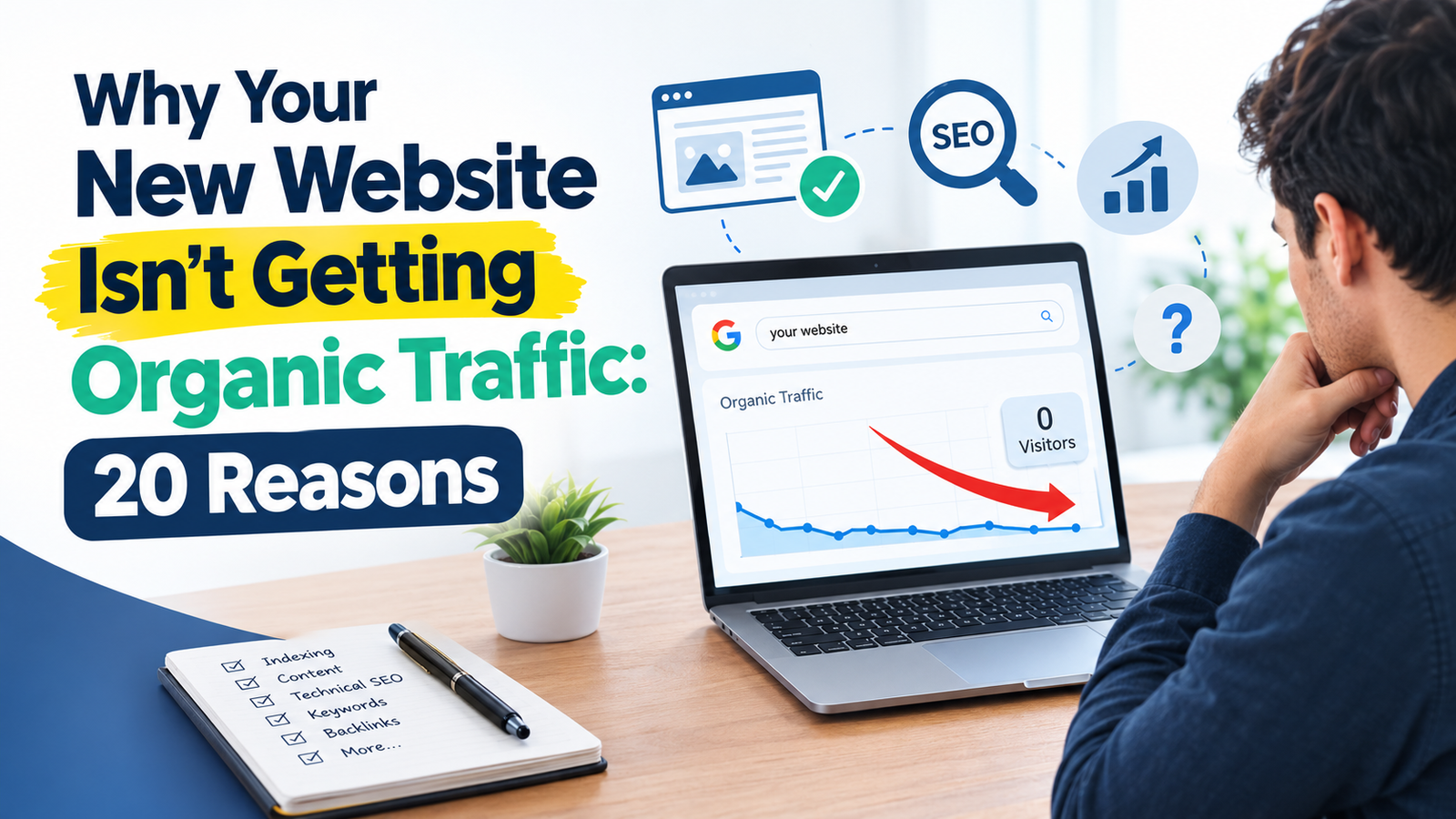
Your website is live, but your new website isn’t getting organic traffic.
This is where many website owners start wondering whether something is wrong with their SEO.
Sometimes there is a technical problem. Sometimes the website simply needs more time and useful content. In other cases, the site is targeting the wrong searches or has not given search engines enough information to understand what it is about.
A new website should not be judged only by how much traffic it receives during its first few weeks.
Instead, look at the foundation you are building.
If your new website isn’t getting organic traffic, here are 20 common reasons to check before assuming that your SEO is not working.
1. Why Your New Website Isn’t Getting Organic Traffic: It’s Still New
The first thing to understand is that a new website has very little history.
An established website may already have:
- Existing pages
- Internal links
- Backlinks
- Search visibility
- Branded searches
- Returning visitors
- Content covering related topics
A new website starts with much less of this.
That does not mean a new website cannot appear in Google.
It means you should not expect a newly launched site to immediately perform like a website that has been building its online presence for years.
Give the site time to be properly set up, indexed and developed.
At the same time, use that period to build a strong foundation rather than simply waiting.
2. Your Important Pages May Not Be Indexed
Your website can be live without all of its pages being included in Google’s index.
This is one of the first things worth checking when your new website isn’t getting organic traffic.
Important pages may have indexing problems because of:
- Noindex settings
- Incorrect robots.txt rules
- Technical errors
- Poor internal linking
- Canonical issues
- Pages that search engines have not discovered properly
Google Search Console can help you inspect individual URLs and understand whether important pages have been indexed.
If you want to strengthen your website’s technical foundation, you can also explore Digitalmarkz’s SEO services.
Start with your most valuable pages:
- Homepage
- Main service pages
- Product pages
- Important category pages
- High-value articles
Don’t assume that because a page opens in your browser, it is automatically available in search.
3. Your Website Has Very Little Useful Content
A new website with five basic pages may not give search engines much information about its expertise or the subjects it covers.
For example, a digital marketing agency website might have only:
- Home
- About
- Services
- Contact
- One short blog
Those pages may be enough to launch the website, but they may not provide much useful information for people searching for specific problems.
This does not mean you need to publish hundreds of articles.
Start by covering the questions your actual customers need answers to.
Create useful service pages and supporting content around your main areas of expertise.
You can explore more digital marketing topics and guides through the Digitalmarkz blog.
4. Your Content Does Not Match Search Intent
One of the biggest SEO mistakes is choosing a keyword without understanding what the searcher actually wants.
Imagine someone searches:
“technical SEO audit checklist.”
They probably want a checklist or practical process.
If your page only explains what technical SEO means and spends most of the article promoting your agency, it may not satisfy that search.
Before creating a page, ask:
What would a person expect to find after searching this phrase?
Then create the page around that need.
The goal is not simply to attract visitors.
The goal is to attract the right visitors and give them the information they came looking for.
5. You Are Targeting Keywords That Are Too Competitive
New websites often make the mistake of targeting extremely broad keywords immediately.
For example:
- SEO
- Digital Marketing
- Web Design
- Social Media Marketing
These are broad subjects with many established websites competing for attention.
A new website can still create content around these areas, but it may also benefit from covering more specific questions.
Instead of only targeting:
“SEO”
you might create useful content around topics such as:
“Technical SEO Problems That Can Keep Your Website Invisible”
or:
“Why Your Website Gets Traffic but No Leads”
Specific topics allow you to address a clearer problem for a defined audience.
6. Your Pages Are Too Similar to Each Other
A new website sometimes creates multiple pages that are almost identical.
For example:
- SEO Services
- SEO Company
- SEO Agency
- SEO Solutions
- SEO Experts
If all these pages contain nearly the same information and target the same audience, they may not add much value.
Before creating another page, ask:
Does this page have a genuinely different purpose?
If not, it may be better to strengthen the existing page rather than create another version.
7. Why Your New Website Isn’t Getting Organic Traffic: Weak Internal Linking
Internal links connect one page of your website to another.
They help visitors discover related information and create relationships between different pages.
Imagine you have a detailed article about technical SEO but no other page on your website links to it.
That article is effectively sitting on its own.
Instead, relevant pages could link to it naturally.
For example:
SEO Services → Technical SEO → Technical SEO Audit → Related SEO Articles
Digitalmarkz’s SEO service page specifically covers technical SEO, site architecture, internal linking and content strategy, making it a natural internal destination from this article. Explore Digitalmarkz SEO services.
Your exact structure will depend on the website, but important pages should have a logical connection with the rest of the site.
8. Your Website Has Technical SEO Problems
Sometimes the reason your new website isn’t getting organic traffic is technical.
Common problems include:
- Important pages blocked from crawling
- Incorrect noindex settings
- Broken internal links
- Incorrect canonical tags
- Sitemap problems
- Redirect errors
- Poor mobile experience
- Slow-loading pages
- Server errors
These problems can affect the ability of search engines and visitors to access important parts of your website.
A technical SEO audit can help identify problems that are not obvious when you simply browse the website yourself.
If you want to investigate these issues, Digitalmarkz also provides a free SEO audit tool.
9. Your XML Sitemap Is Not Properly Set Up
An XML sitemap helps search engines discover URLs on your website.
It does not guarantee that every URL will be indexed, but it is useful for communicating which pages you consider important.
For a new website, check whether the sitemap:
- Exists
- Can be accessed
- Contains the correct URLs
- Avoids unnecessary URLs
- Does not contain broken pages
- Is submitted through Google Search Console
If your website has recently launched, redesigned or changed its URL structure, review the sitemap again.
10. Your Robots.txt File Is Blocking Important Content
The robots.txt file controls crawling instructions for search engine bots.
An incorrect rule can prevent crawlers from accessing parts of your website.
This is especially important after a website launch because developers sometimes use crawling restrictions during development.
Those settings need to be reviewed when the website goes live.
Do not make changes to robots.txt blindly.
First understand exactly which URLs the rule affects.
11. Your Website Is Not Mobile-Friendly
A website may look excellent on a desktop screen but be difficult to use on a phone.
Check your website on an actual mobile device.
Look at:
- Text size
- Navigation
- Buttons
- Forms
- Images
- Page layout
- Menu behaviour
- Horizontal scrolling
Try completing important actions yourself.
Is it easy to contact the business?
Are the services easy to find?
Can visitors read the content without constantly zooming?
These simple checks can reveal problems that are easy to miss on a desktop.
12. Your Website Is Too Slow
Slow pages can create a poor experience for visitors.
Common causes include:
- Large images
- Too many scripts
- Poor hosting
- Unnecessary plugins
- Heavy website themes
- Third-party tools
You do not need to chase a perfect score in every speed-testing tool.
Start with the problems that have the biggest effect on actual users.
Compress large images, remove unnecessary resources and review your hosting and website setup where appropriate.
13. Your Website Does Not Clearly Explain What You Do
Search engines are not the only ones who need to understand your website.
Visitors need to understand it too.
If someone lands on your homepage and cannot quickly answer:
What does this business do?
they may leave.
Make your main pages clear.
Explain:
- What you offer
- Who you help
- Where you operate, if location matters
- What makes your service relevant
- How someone can contact you
Clear communication helps both users and search engines understand the purpose of your pages.
If you need a broader online growth strategy, you can also explore Digitalmarkz’s digital marketing services.
14. Your Service Pages Are Too Thin
A service page that says:
“We provide professional SEO services. Contact us today.”
does not give a potential customer much information.
A useful service page should explain the service properly.
Depending on the business, it may include:
- What the service involves
- Problems it can solve
- Who it is suitable for
- Your process
- Frequently asked questions
- Relevant examples
- Important deliverables
- Clear contact options
Do not add information simply to make the page longer.
Add information that helps someone make an informed decision.
For example, a strong SEO service page should explain more than just the service name. It should communicate the problems being solved, the process, and what the customer can expect.
15. Your Blog Content Is Too Generic
Publishing blogs can help expand the subjects covered by your website.
But generic content may not give readers much reason to visit.
For example:
“10 Digital Marketing Tips”
is very broad.
A more specific article might address:
“Why Your Website Gets Traffic but No Leads”
The second topic starts with a clear problem.
When planning content, think about the questions and problems your audience actually has.
You can find more articles and resources in the Digitalmarkz blog.
16. Your Website Does Not Have Enough Relevant Internal Connections
A new website needs a logical relationship between its pages.
Your service pages, blog posts, categories and other important sections should not feel like separate websites.
For example, if your main service is SEO, your supporting content might cover:
- Keyword research
- On-page SEO
- Technical SEO
- Local SEO
- Backlinks
- SEO audits
- Search intent
- Common SEO mistakes
These topics can naturally connect with one another.
This creates a clearer content structure.
Digitalmarkz’s SEO service page is a good example of this broader structure, covering technical SEO, on-page SEO, content SEO, local SEO and authority development. Explore the SEO service page.
17. You Have Very Few External References or Mentions
A new website may have little external recognition.
Relevant links and mentions from other websites can help build the site’s online presence.
But this does not mean buying hundreds of cheap backlinks.
Focus on relevance and genuine value.
Depending on your business, useful opportunities may include:
- Business directories
- Industry websites
- Professional profiles
- Local business listings
- Relevant partnerships
- Useful resource pages
- Genuine editorial mentions
Avoid building links simply for the sake of increasing the number.
The quality and relevance of your online presence matter more than simply collecting large numbers of links.
18. Your Local SEO Is Missing
If your business serves a particular city or local area, local SEO can be important.
A new local business website should make its location and service area clear where appropriate.
Check whether you have:
- A properly completed Google Business Profile
- Consistent business information
- Clear location/service-area information
- Relevant local pages where genuinely useful
- Local citations that make sense for the business
Do not create dozens of almost identical city pages just to target locations.
Each local page should provide genuine value.
19. You Are Not Using Google Search Console
Google Search Console is one of the most useful places to understand how your website is appearing in Google Search.
For a new website, it can help you monitor:
- Indexing
- Search queries
- Impressions
- Clicks
- Page performance
- Technical issues
Instead of guessing why traffic is low, use the available data to see what is actually happening.
For example, if pages are receiving impressions but very few clicks, the issue may require a different approach than a page that is not appearing in search at all.
20. You Keep Changing the Website Without Tracking What Happened
SEO requires testing and observation.
If you change your title, rewrite the content, change the URL, redesign the page and build new links all at the same time, it becomes difficult to understand what affected performance.
Keep track of major changes.
Record:
- What was changed
- Which page was changed
- When it was changed
- Why it was changed
Then monitor the page afterwards.
This gives you a clearer picture of what is helping and what still needs attention.
What Should You Do If Your New Website Isn’t Getting Organic Traffic?
Don’t start by publishing 50 more blogs.
Start with the basics.
Step 1: Check Indexing
Use Google Search Console to make sure your important pages can be indexed.
Step 2: Check Technical SEO
Review robots.txt, noindex settings, canonical tags, redirects, sitemap and important status codes.
Step 3: Review Your Main Pages
Start by checking whether your homepage and service pages clearly explain what you offer.
Step 4: Review Your Keywords
Next, review whether the topics you are targeting are relevant to your audience.
Step 5: Improve Existing Content
Start by checking your important pages.
Step 6: Build Internal Links
Next, review your technical SEO.
Step 7: Build Genuine Online Visibility
After that, improve your existing content.
Step 8: Monitor Search Console
Finally, monitor your Search Console data.
This can show whether Google is beginning to understand and display your pages.
How Long Should a New Website Take to Get Organic Traffic?
There is no single timeline that applies to every website.
It depends on factors such as:
- Website size
- Competition
- Industry
- Content quality
- Search demand
- Technical setup
- Website authority
- Content coverage
- Location
- Search intent
A new website should therefore be treated as a project that needs development rather than something that should produce large amounts of traffic immediately.
Instead of asking only:
“How many visitors do I have?”
also ask:
“Is my website becoming easier to discover, understand and trust?”
Look for signs of progress such as pages being indexed, impressions appearing in Search Console, relevant search queries, increasing visibility and useful visitors reaching your important pages.
Final Thoughts
A new website isn’t getting organic traffic does not automatically mean that SEO is failing.
The problem could be indexing, technical setup, weak content, poor keyword selection, search intent, website structure or simply the fact that the site is still new.
The important thing is to find the actual problem before making more changes.
Start with your most important pages.
Check whether they are indexed.
Review the technical foundation.
Make your content genuinely useful.
Target topics that your audience cares about.
Build relevant internal links.
Then monitor what happens.
SEO is not about publishing a website and waiting for traffic to appear.
It is about gradually building a website that search engines can access, understand and connect with the people who are looking for what you offer.
If you want to discuss your website’s search visibility or digital growth strategy, you can contact Digitalmarkz.