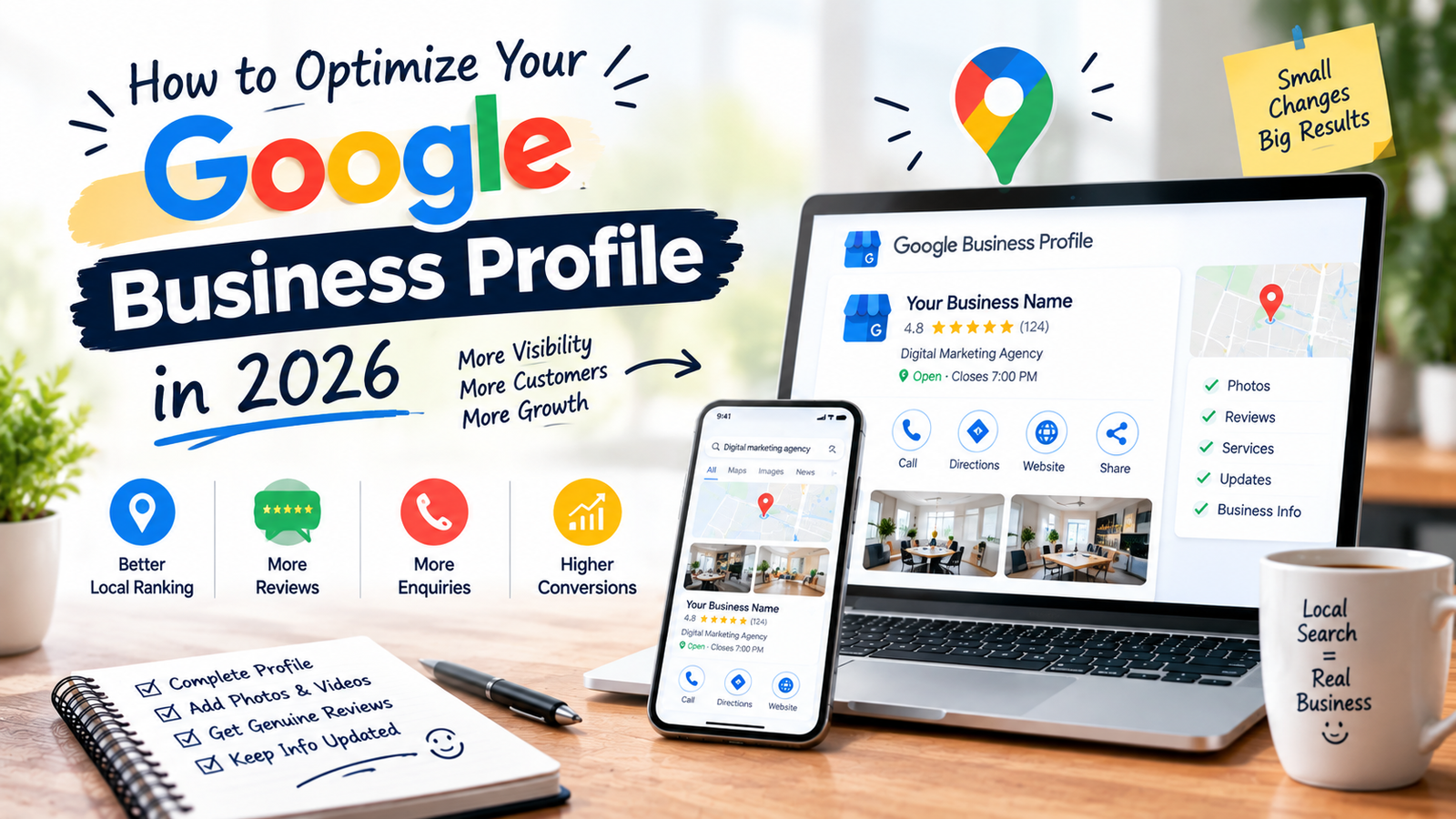
If you want more local customers to find your business on Google, how to optimize your Google Business Profile in 2026 is something you should not ignore. Your profile is often one of the first things people see when they search for your business, service, or a local solution.
However, simply creating a profile and adding your phone number is not enough. Your business information needs to be accurate, complete, useful, and consistent. More importantly, your profile should help a potential customer understand what you offer and why they should contact you.
Google says local results are mainly influenced by relevance, distance, and prominence. You cannot pay Google for a better local ranking, so the focus should be on building a genuine and complete business presence. (Google Help)
This guide explains what you should check, improve, and maintain on your Google Business Profile in 2026.
What Is a Google Business Profile?
A Google Business Profile is the business listing that can appear when people search for a company on Google Search or Google Maps.
It can show information such as:
- Business name
- Address
- Service area
- Phone number
- Website
- Opening hours
- Business category
- Photos and videos
- Customer reviews
- Services
- Attributes
- Social media links, where available
- Other business information
A verified profile allows you to manage important business information that customers see across Google. (Google Help)
For example, someone searching for “digital marketing agency near me” may see local businesses with their name, category, reviews, location, website, and other details.
That means your profile is not just an online directory listing.
Instead, think of it as another place where a potential customer decides whether your business is worth contacting.
Why Your Google Business Profile Matters in 2026
Local search has become highly competitive. When someone searches for a nearby service, they usually don’t want to spend twenty minutes researching different companies.
They want useful information quickly.
For example, a person searching for a dentist, restaurant, salon, lawyer, gym, clinic, or marketing agency may immediately look at:
- Where is the business?
- Is it open?
- What services does it provide?
- Does it look trustworthy?
- What are customers saying?
- Can I call them?
- Can I visit their website?
- Do the photos look genuine?
- Does the business actually serve my area?
Therefore, an incomplete profile can create unnecessary friction.
Google itself recommends keeping Business Profile information complete and accurate because this helps customers understand what a business does, where it is, and when they can visit. (Google Help)
1. Claim and Verify Your Business Profile
Before worrying about keywords, photos, or reviews, make sure you actually control your Business Profile.
If your business hasn’t been added yet, you can create or claim it through Google.
Once you have claimed the profile, complete the verification process provided by Google. A verified profile allows you to manage your business information and helps establish that you are authorized to represent the business. (Google Help)
First, check whether your business already has a profile.
Next, claim it if necessary.
Then, complete the verification process.
After that, review every piece of information rather than assuming the existing details are correct.
Manage or claim your Google Business Profile
2. Use Your Real Business Name
This is one area where businesses often make a mistake.
Some business owners add extra keywords to their Google Business Profile name because they believe it will help them rank.
For example:
Incorrect approach:
Digitalmarkz – Best SEO Agency Delhi Google Ads Company
If that isn’t the actual name used by the business in the real world, don’t add it simply for SEO.
Google’s guidelines say the business name should reflect the real-world name used consistently on signage, stationery, branding, and by customers. Adding unnecessary information to the name can violate the guidelines and may create profile problems. (Google Help)
Instead, use your genuine business name and put your services, location, and other information in the appropriate fields.
This is safer and also makes your profile look more trustworthy.
3. Choose the Right Primary Category
Your primary category tells Google what your business mainly does.
Therefore, don’t choose a category simply because it contains a keyword you want to rank for.
Choose the category that most accurately represents your core business.
Google currently allows additional categories as well, but they should describe genuine aspects of your business rather than being used as a list of keywords. (Google Help)
A simple way to choose
Ask yourself:
“If I could describe my business with one category, what would it be?”
That should normally guide your primary category.
For example, if your main business is a digital marketing agency, the primary category should represent that business rather than selecting unrelated categories simply because they may have search demand.
4. Make Your Address or Service Area Accurate
Your location information is extremely important for local search.
If customers visit your business, provide the correct physical address.
On the other hand, if you travel to customers and don’t receive customers at your business address, you may be able to use a service area instead.
Google recommends keeping the address and service area accurate and precise. (Google Help)
For example, don’t list a city simply because you want to appear there if you don’t actually serve that location.
Your profile should represent where your business genuinely operates.
As a result, accurate location information can give customers a much clearer idea of whether you are relevant to them.
5. Keep Your Business Hours Updated
Imagine someone finds your business on Google and drives to your location, only to discover that you’re closed.
That is a poor customer experience.
Therefore, keep your regular opening hours updated.
Also check your special hours for:
- Public holidays
- Temporary closures
- Festivals
- Special events
- Other changes in operating hours
Google provides options for both regular and special business hours. (Google Help)
In addition, review your hours whenever your business schedule changes.
Small details like this can make your profile much more useful.
6. Write a Clear Business Description
Your business description should explain what you actually do.
Don’t turn it into a list of keywords.
Instead, answer a few basic questions:
- What does your business offer?
- Who do you serve?
- What makes your business different?
- How long have you been operating?
- What should customers know before contacting you?
Google currently limits the Business Profile description to 750 characters and advises businesses not to include URLs, HTML, or promotional pricing in this section. (Google Help)
A simple example
Instead of writing:
Best digital marketing company Delhi SEO SEO agency Google ranking best SEO services…
Write something that sounds like a real business:
Digitalmarkz helps businesses improve their online presence through SEO, Google Ads, website development, content marketing, and conversion-focused digital strategies. We work with businesses that want to attract relevant customers and build a stronger presence across Google and other digital channels.
Notice the difference?
The second version is written for a person first.
That is the approach you should take with your own profile as well.
7. Add Your Website and Correct Contact Information
Your Google Business Profile should make it easy for customers to move from discovery to action.
For this reason, check your:
- Phone number
- Website
- Email or contact options where available
- Appointment links where available
- Other relevant business links
Google allows businesses to add their website and, depending on the business category, additional links such as appointments, reservations, or ordering. Some social media links are also available in selected regions and may vary by profile. (Google Help)
Make sure the information is accurate before publishing it.
A customer shouldn’t have to search somewhere else just to find the correct phone number.
8. Add High-Quality Photos and Videos
Photos can make a big difference to how your profile looks.
For example, a restaurant can show its food and dining area. A salon can show its interiors and work. A clinic can show its facilities. A service business can show its team, office, projects, or completed work.
Google recommends adding photos and videos to help customers understand what the business offers. (Google Help)
Consider adding:
- Exterior photos
- Interior photos
- Team photos
- Product photos
- Service photos
- Work samples
- Brand images
- Short videos where appropriate
However, don’t upload random stock images just to make the profile look active.
Instead, use genuine images that help customers recognize and understand your business.
9. Get Genuine Customer Reviews
Reviews are one of the most visible parts of many Business Profiles.
They can help potential customers understand what other people experienced with your business. Google also notes that reviews and helpful replies can help a business stand out in local results. (Google Help)
But there’s an important difference between getting reviews and manipulating reviews.
You can ask genuine customers to leave honest feedback.
However, don’t buy reviews or offer discounts, money, free products, or services in exchange for reviews. Google prohibits fake engagement and incentivized reviews. (Google Help)
A simple review process
After completing a job:
Finish the work → Ask for honest feedback → Share the review link → Thank the customer
That’s it.
You don’t need complicated tactics.
10. Respond to Your Reviews
Getting reviews is only part of the job.
Next, respond to them.
A short and genuine response is usually better than copying the same sentence under every review.
For example:
Thank you for sharing your experience. We’re glad our team could help you with your website project.
For a negative review, don’t immediately become defensive.
Instead, understand the issue, respond professionally, and offer a practical way to continue the conversation privately when appropriate.
Google recommends keeping review replies relevant, professional, polite, and useful. (Google Help)
As a result, your responses can show potential customers that there are real people behind the business.
11. Add Your Services
If your Business Profile allows you to add services, don’t leave the section empty.
List the services you actually provide.
For example, a digital marketing agency might list:
- SEO
- Local SEO
- Google Ads
- Meta Ads
- AEO
- GEO
- Website development
- Conversion rate optimization
- Content marketing
Keep the services accurate and easy to understand.
Google provides a services editor for eligible profiles and recommends keeping service information accurate. (Google Help)
However, don’t add services you don’t actually provide simply because you want to appear for those searches.
12. Add Relevant Business Attributes
Attributes give customers additional information about your business.
Depending on the business type, these can include details such as Wi-Fi, accessibility, outdoor seating, payment options, and other factual characteristics. Available attributes vary by business. (Google Help)
Therefore, review the attributes available to your profile and select only those that accurately describe your business.
Don’t guess.
Don’t select an attribute because you think it sounds good.
Instead, keep everything factual.
13. Keep Your Website and Google Profile Consistent
Your Google Business Profile shouldn’t tell customers one thing while your website says something completely different.
Check that your:
- Business name
- Phone number
- Address
- Service area
- Main services
- Business information
are consistent across your online presence.
This is also where your wider SEO strategy can support your local visibility.
For example, if your Google profile says you provide a particular service but your website doesn’t mention it anywhere, review whether both sources accurately represent the business.
Consistency makes it easier for customers to understand your business.
14. Don’t Stuff Keywords Into Your Profile
This deserves special attention.
A common mistake is trying to put the same keyword everywhere:
Best SEO Agency Delhi | SEO Company Delhi | SEO Expert Delhi | Digital Marketing Delhi
That isn’t natural.
Instead, use your important terms where they genuinely belong:
- Business category
- Business description
- Services
- Website content
- Relevant customer-facing information
Most importantly, never change your real business name just to insert keywords. Google’s guidelines specifically prohibit unnecessary information in the business name. (Google Help)
Good local SEO is not about repeating a phrase twenty times.
It is about making the business clear and relevant.
15. Use Google Business Profile Posts When They Make Sense
If posts are available for your profile, you can use them to share useful updates.
For example:
- New service
- New product
- Business announcement
- Event
- Helpful update
- Seasonal information
However, don’t post meaningless content just because you feel you have to post every day.
Instead, ask:
“Would a potential customer find this useful?”
If the answer is yes, publish it.
If not, skip it.
Your goal should be useful communication rather than filling your profile with unnecessary updates.
16. Pay Attention to Local Search Intent
This is where many businesses miss the bigger picture.
Someone searching:
“What is SEO?”
has a different intent from someone searching:
“SEO agency near me”
The second person is much closer to finding a service provider.
Therefore, your profile, website, and local SEO strategy should clearly communicate what you offer and where you serve customers.
Google says local results are primarily influenced by relevance, distance, and prominence. Relevance is about how well your Business Profile matches the search, while distance considers how far the business is from the searcher. Prominence relates to how well-known the business is and can include signals such as links and reviews. (Google Help)
Because of this, you shouldn’t focus only on adding keywords to your profile.
You also need to build a genuine business presence.
17. Build Your Website Alongside Your Business Profile
Your Google Business Profile is important, but it shouldn’t be your entire local SEO strategy.
Your website should support the same business information and clearly explain your services.
For example, if someone discovers your business on Google and clicks through to your website, the website should answer the next questions:
- What do you offer?
- Who do you work with?
- Where do you operate?
- Why should someone trust you?
- What results or experience can you show?
- How can someone contact you?
If you’re working on broader website visibility, you can also explore Digitalmarkz’s digital marketing services.
In other words, your Google profile gets attention, while your website can help turn that attention into an enquiry.
18. Track What Your Profile Is Doing
Don’t make changes blindly.
Instead, pay attention to what happens after people discover your business.
Look at things such as:
- Calls
- Website visits
- Direction requests
- Customer enquiries
- Search visibility
- Review activity
- Leads generated from local searches
The exact data and features available can vary by profile and Google interface.
Therefore, focus on the actions that actually matter to your business rather than chasing a single number.
A profile receiving lots of views but producing very few enquiries may need a different type of improvement than a profile receiving fewer views but generating qualified customers.
A Simple Google Business Profile Optimization Checklist for 2026
Before you consider your profile finished, go through this checklist.
- First, verify your profile.
- Next, check your real business name.
- Then, choose the most accurate primary category.
- After that, review your address or service area.
- Also, update your regular and special hours.
- In addition, check your phone number and website.
- Now, write a clear and useful business description.
- Then, add your genuine services.
- At the same time, review your available business attributes.
- Next, upload recent and authentic photos.
- After that, create a simple process for requesting genuine reviews.
- Also, respond to customer reviews professionally.
- Meanwhile, check whether your website and profile information match.
- Finally, review your profile regularly instead of updating it once and forgetting about it.
This approach also avoids the readability problem you faced with your previous blog because the checklist uses varied sentence structures and natural transition words rather than starting every line with the same word.
Common Google Business Profile Mistakes to Avoid
Even after setting up your profile correctly, a few mistakes can create problems.
1. Adding keywords to the business name
Don’t do this unless those words are genuinely part of your real-world business name. (Google Help)
2. Using a fake location
Your address or service area should accurately represent where your business operates.
3. Buying reviews
Fake or incentivized reviews violate Google’s policies. (Google Help)
4. Creating duplicate profiles
Google’s guidelines say there should generally be one profile per business. (Google Help)
5. Ignoring negative reviews
A negative review doesn’t automatically mean you should report it. Instead, report a review when it actually violates Google’s policies; otherwise, respond professionally and use the feedback to understand what happened. (Google Help)
6. Leaving outdated information
Old phone numbers, incorrect hours, outdated services, or an old address can create a poor customer experience.
7. Using stock photos everywhere
Your profile should show the real business wherever possible.
What Really Matters for Local Visibility?
There isn’t a secret button that guarantees the top position in Google Maps.
Google itself says there is no way to request or pay for a better local ranking. Instead, local results are mainly based on relevance, distance, and prominence. (Google Help)
Therefore, don’t waste time looking for shortcuts.
Focus on the basics:
Accurate information → Relevant category → Complete profile → Genuine reviews → Useful website → Real business presence → Consistent updates
Over time, these pieces work together to give customers a clearer picture of your business.
If you’re working on your overall digital visibility, you can also explore Digitalmarkz case studies to see how a broader digital marketing approach can complement local search efforts.
Final Thoughts
Learning how to optimize your Google Business Profile in 2026 isn’t about finding a trick that suddenly puts your business at the top of Google.
It’s about making your business easy to understand.
Your name should be genuine. Your category should be accurate. Your location should be correct. Your hours should be current. Your photos should represent the real business. Your reviews should come from real customers. Most importantly, the information on your profile should match what customers find when they visit your website.
Instead of asking, “How many keywords can I add?” ask:
“If a new customer found my profile today, would they have everything they need to trust my business and take the next step?”
If the answer is yes, you’re moving in the right direction.
And if the answer is no, start with the basics first.
Complete the profile. Keep it accurate. Show the real business. Earn genuine reviews. Make your website useful. Then keep improving.
That’s a much stronger foundation for local visibility in 2026 than trying to find shortcuts.
Frequently Asked Questions
How do I optimize my Google Business Profile in 2026?
Start by verifying your profile and making sure your business name, category, address or service area, hours, phone number, website, description, services, photos, and reviews are accurate. Then, keep the information updated as your business changes.
Does adding keywords to my Google Business Profile name help rankings?
Your business name should reflect your real-world business name. Adding unnecessary keywords to the name is against Google’s guidelines and can create profile issues. (Google Help)
How many reviews should my business have?
There isn’t one number that guarantees better local visibility. Instead, focus on earning genuine reviews from real customers and responding to them professionally. Google says reviews and positive ratings can contribute to local prominence. (Google Help)
Should I respond to negative Google reviews?
Yes, when appropriate. Keep the response professional, relevant, and helpful. However, don’t try to remove a review simply because you disagree with it. Report it when it violates Google’s content policies. (Google Help)
Can a Google Business Profile guarantee first-place rankings?
No. Google says local rankings are based mainly on relevance, distance, and prominence, and there is no way to request or pay for a better local ranking. (Google Help)
How often should I update my Google Business Profile?
There is no universal update schedule. Instead, update it whenever something important changes, such as your hours, services, location, contact details, photos, or other business information. You can also add useful updates when relevant.